How to reorder
If you have previously made an order at Label Yourself, it is easy to reorder. If you have ordered directly from our sales team, please contact us on
[email protected] or by phone +45 97155312. Please state the invoice number.
Guide to reordering online orders
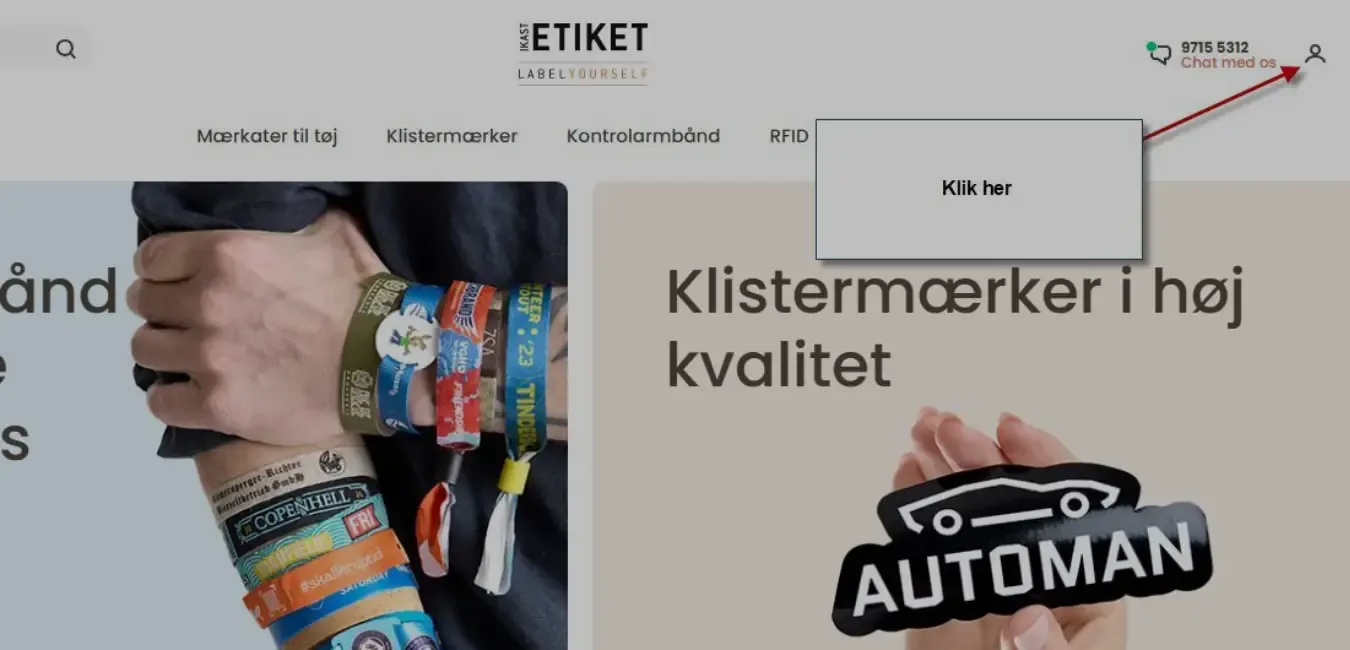
At the top right corner of labelyourself.com, you will find the 'Login'. Click on the icon.

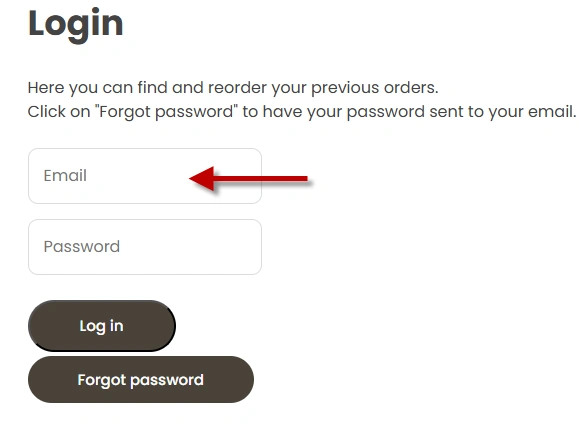
Enter the e-mail address you used when you ordered.
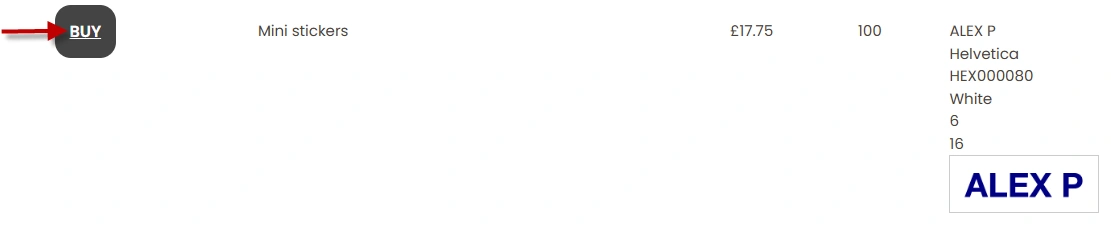
When you log in, you will see a list of all products you have previously ordered. When you click 'BUY', you add the product to the basket ? that way your stickers, name labels, wristbands will look exactly the same as those previously ordered.
If you want to reorder several different items, you can just log in and start again. The items you have already added to the basket will stay there. You can also easily add new products to the basket.
Reordering a different number
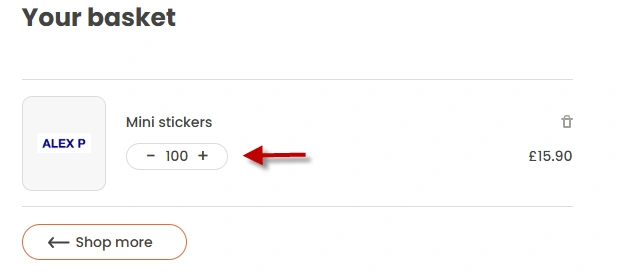
If you wish to order a different quantity of, for example, stickers or name labels than you received previously, you can change the quantity in the shopping basket.